Targeting
Targeting is the action of selecting a connected zone as part of the activation of an Effect or Action.
Unlike in other TCGs, where normally any card matching the targeting requirement can be selected, in Dimensional Rift "target" always mean "arrow targeting", meaning that the target must be reachable from the targeting card using its arrows and current orientation on the field.
Every card has either none, single, double arrows on each of the 8 directions (top, bottom, left, right, and diagonals) - though double diagonal arrows do not exist. Face-up non-monument cards while on the field can be oriented in any of their four 90-degree possible rotations. The orientation of a card must be picked by the player upon summoning it, and cannot be changed arbitrarily (but can be changed by move or rotation effects).
Cards cannot be oriented on non-90-degree angles, and thus orthogonal arrows are always orthogonal and diagonal arrows are always diagonal.
You can only target cards the targeting card connects to.
A single orthogonal arrow connects to the next zone on the row/column it points to; a double orthogonal arrows connects to all zones in its direction.
A diagonal arrow connects the zone in the next row and next column where it points to. There are no double diagonal arrows.
Below are some image examples to make it more clear, plus there is an interactive Target Practice app.
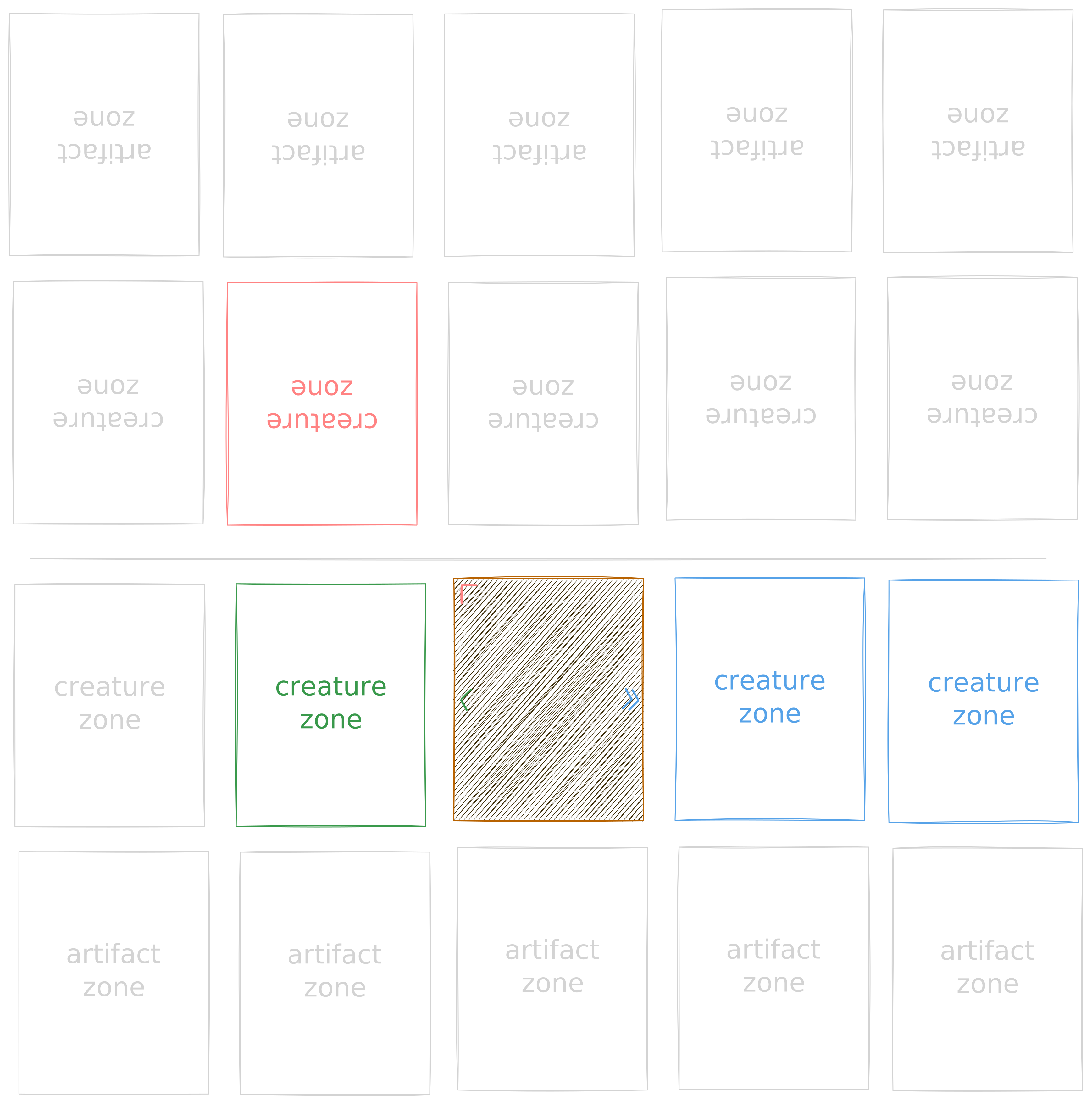
Interactive Target Practice
↖
↑
↗
←
·
→
↙
↓
↘
See targeting rules under Rules > Effects for a much more in-depth explanation.